
For K–12 teachers, admin, and PTAs
Newsletters in minutes, not hours.
Upload the newsletter you already use, or pick one of our designs. Paste your notes, and get a polished newsletter or flyer. Tweak the result and send it home.
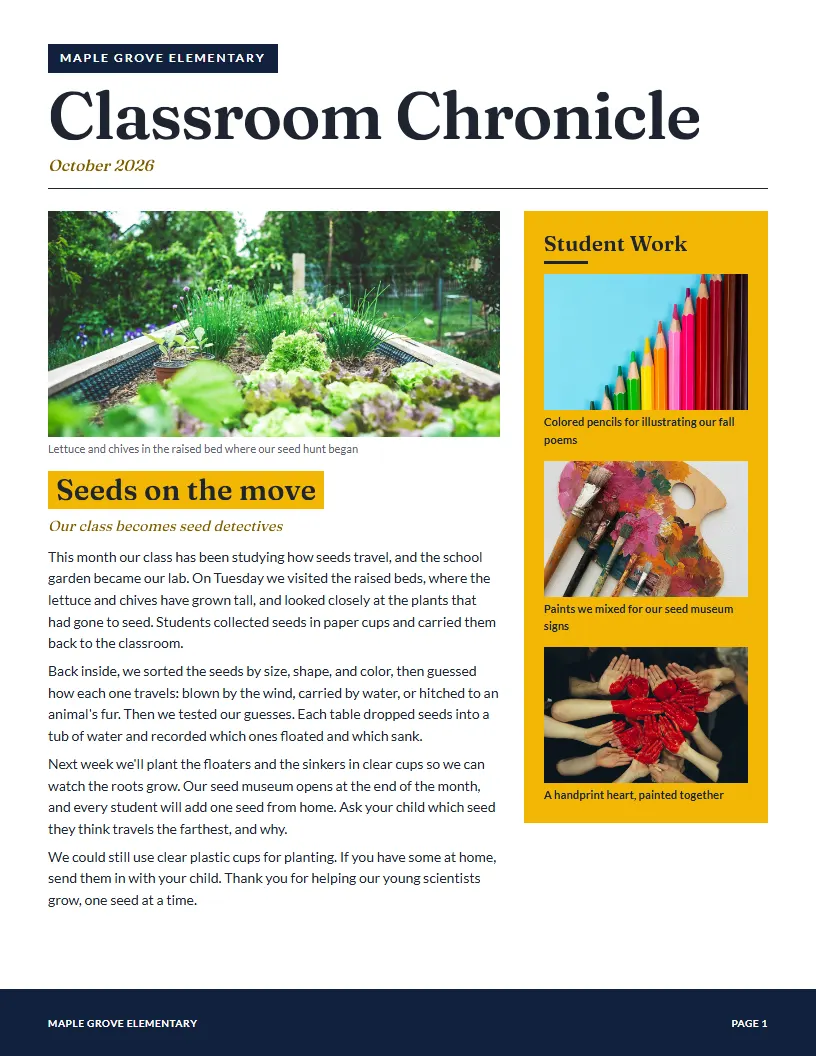
Already have a newsletter? Keep your look.
Upload one past issue and K12 Newsletter learns its design. After that, every issue is your notes in, your newsletter out.
- 1
Upload last month's issue
A PDF or a picture of it works. Made it in Canva? Choose Share, then Download, and pick PDF.
- 2
Paste this month's notes
Rough notes are fine (“picture day thurs, order code MAPLE26”), or upload a Word document.
- 3
Get this month's issue in your design
Your layout, colors, fonts, and logo, with the new news written up and fitted to the page.
Last month's issue, uploaded as a PDF
This month's issue, from new notes
Get your Sunday night back.
The usual way
- Pick a template
- Rewrite your notes into paragraphs
- Drag text boxes and photos into place
- Fix spacing, fonts, and alignment
- Proofread, export, send
With K12 Newsletter
- Pick a style
- Paste your notes
- Generate your newsletter
- Tweak anything you want
- Send it home
Your school's look.
Start from a ready-made design, or upload a newsletter you already send and keep its logo, colors, and layout for every issue.
Real design, no dragging.
Every newsletter is laid out by design rules, with clean spacing, strong headlines, and photos that fit.
Edit by asking.
Tell it what to change in plain words. Or click in and change it yourself.
In families' languages.
On Pro, translate any issue into Spanish and six more languages, including Vietnamese and Haitian Creole, with the same design, names, and dates.
Asks instead of guessing.
If a detail is missing, like a time or a place, it asks you rather than making something up.
Free web page or PDF.
Post each issue as a free web page families can read on their phones, or download a print-ready PDF to email, post, or send home in backpacks.
Pick a look. Make it yours.
Start from a ready-made design, then change anything you like.
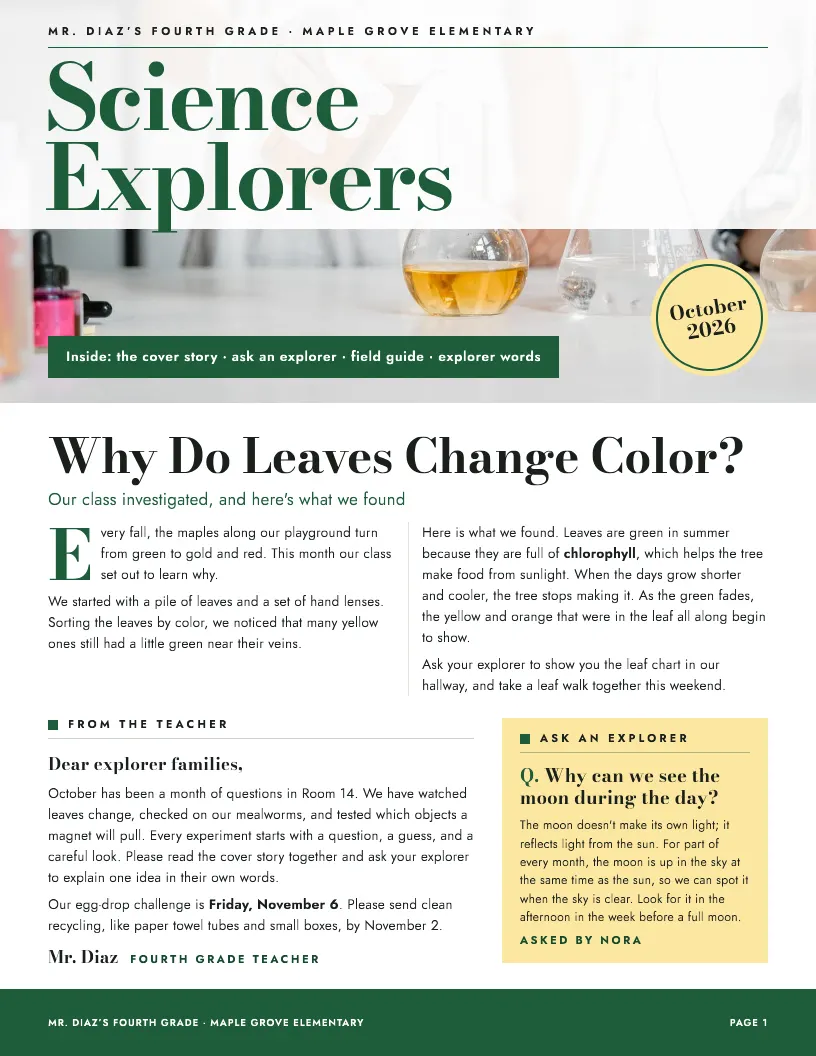
Science ExplorersGreat for classroom newsletters 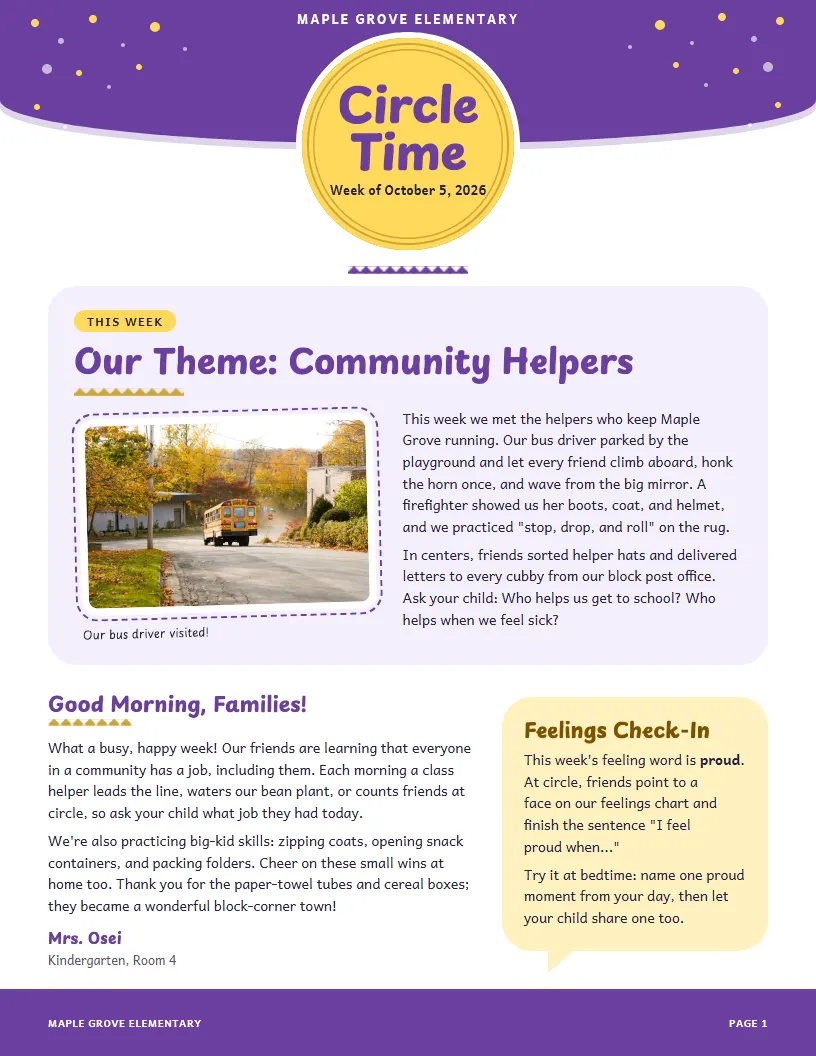
Circle TimeGreat for PreK and kindergarten classes 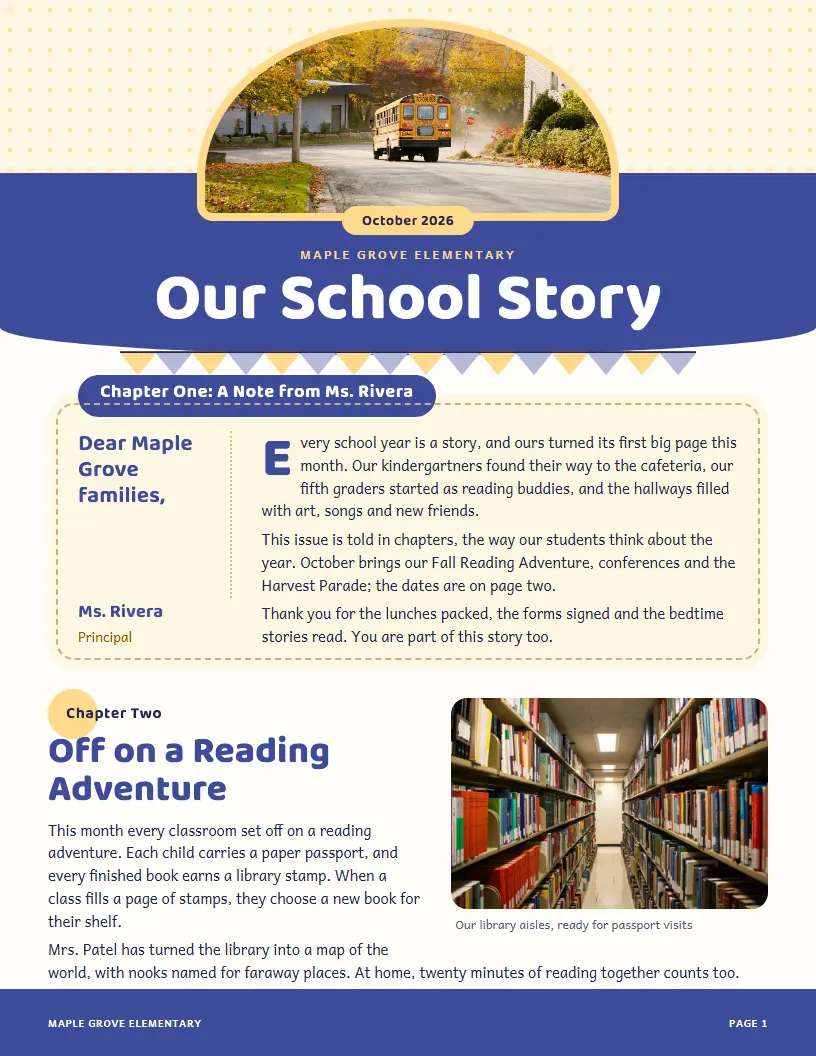
Our School StoryGreat for elementary school news 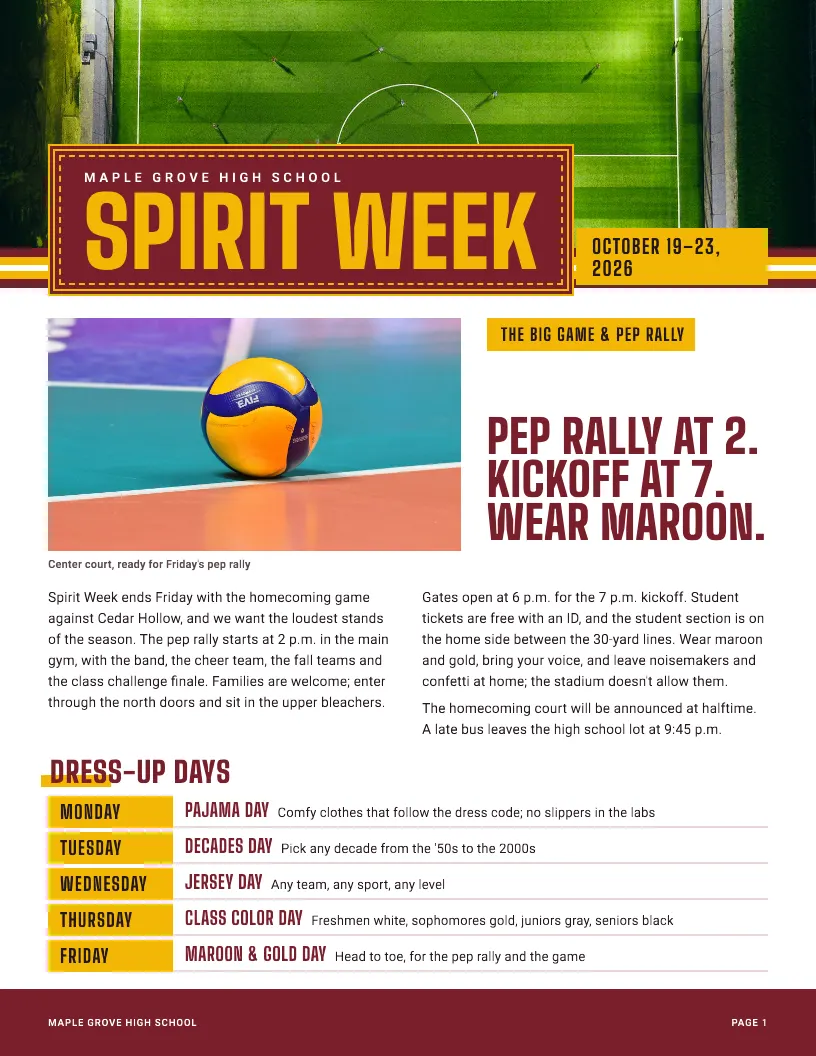
Spirit WeekGreat for middle and high school events 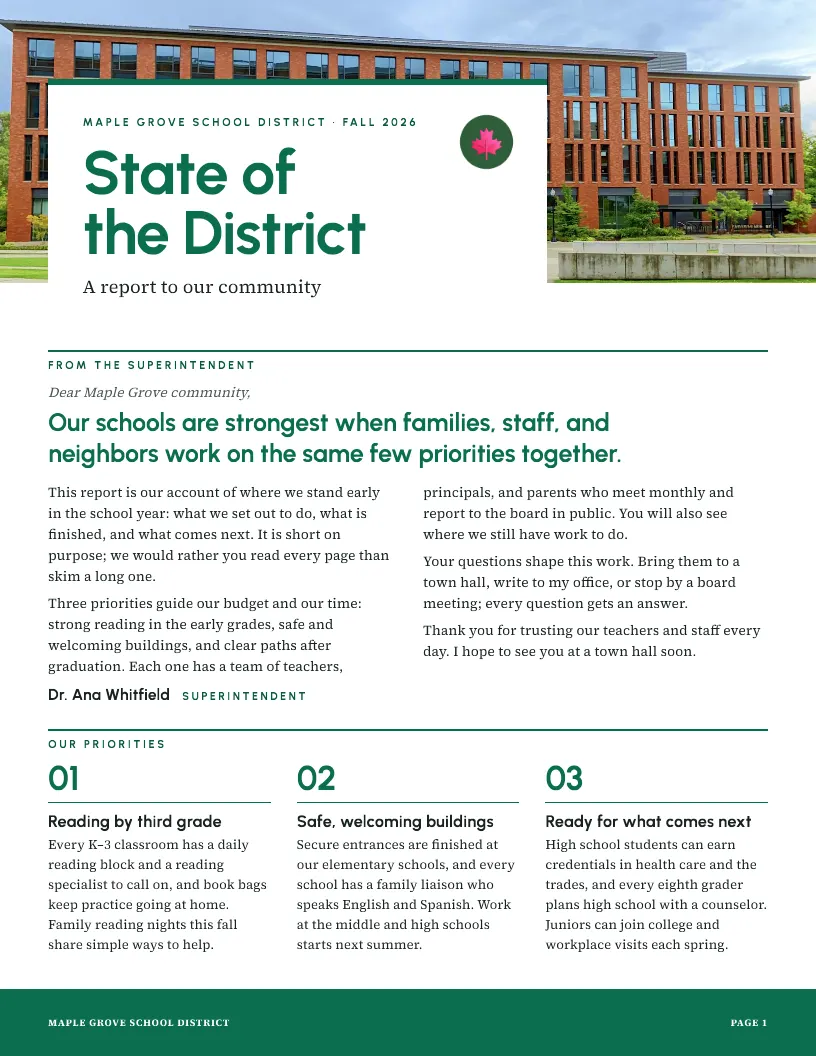
State of the DistrictGreat for district reports 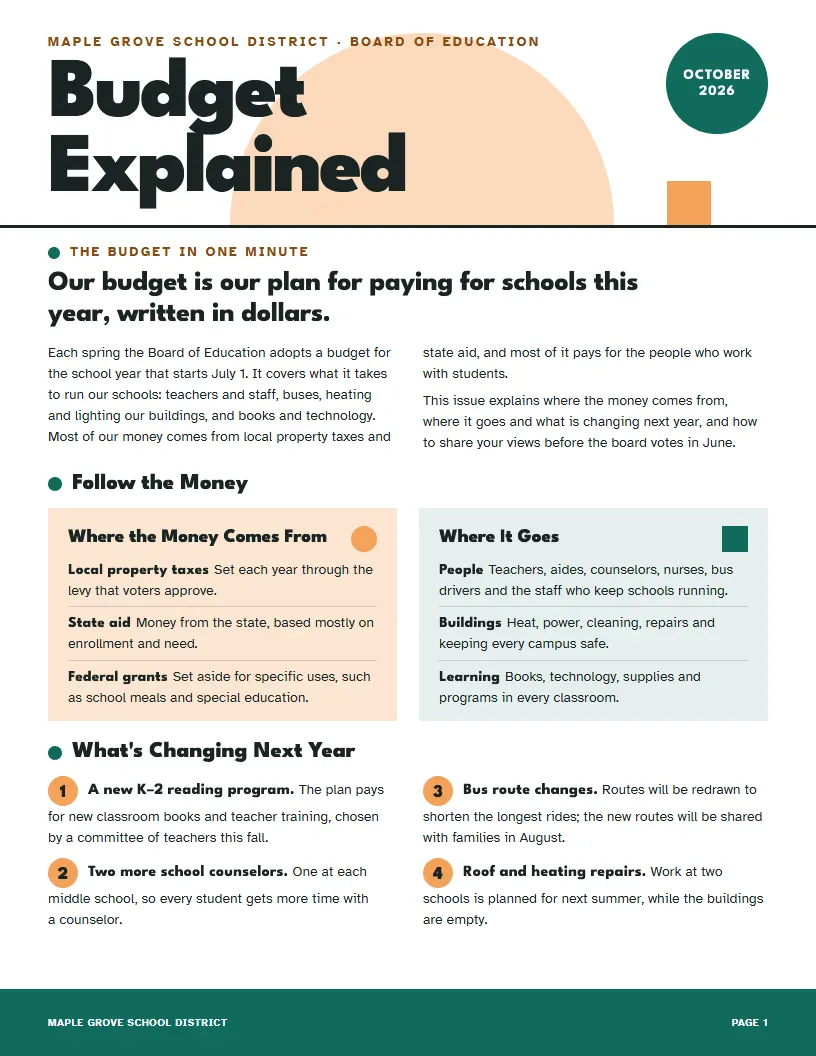
Budget ExplainedGreat for budgets and board news 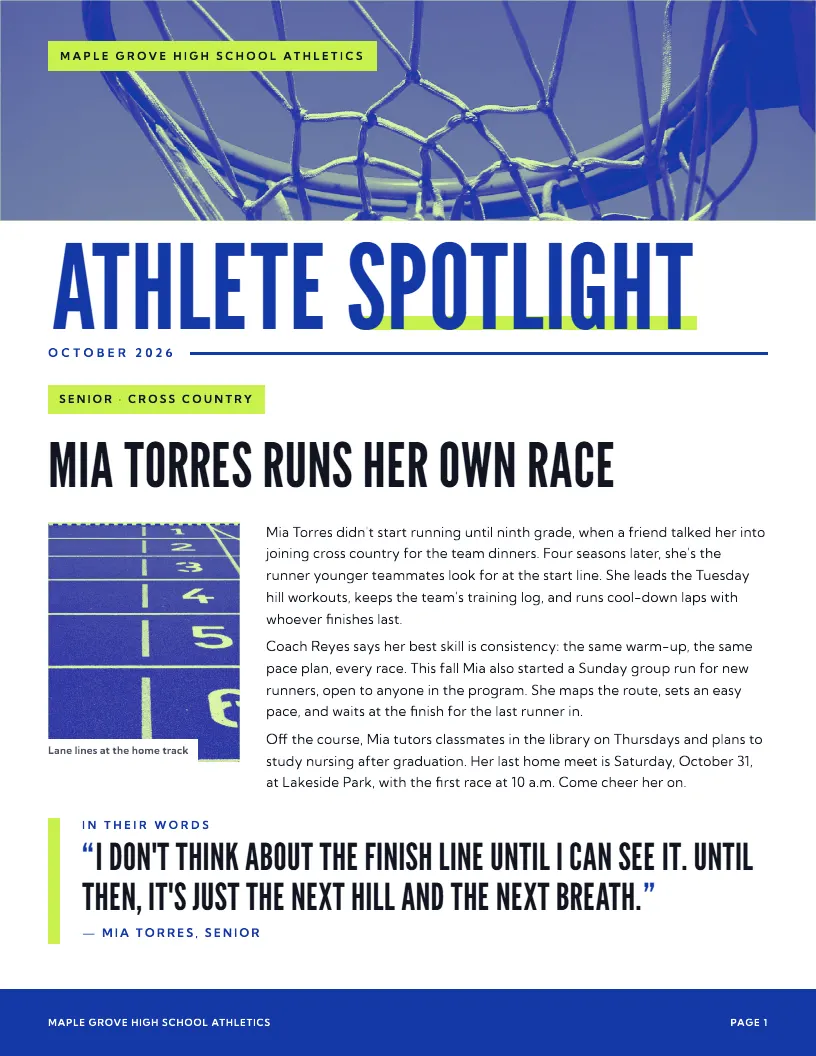
Athlete SpotlightGreat for athletics and boosters 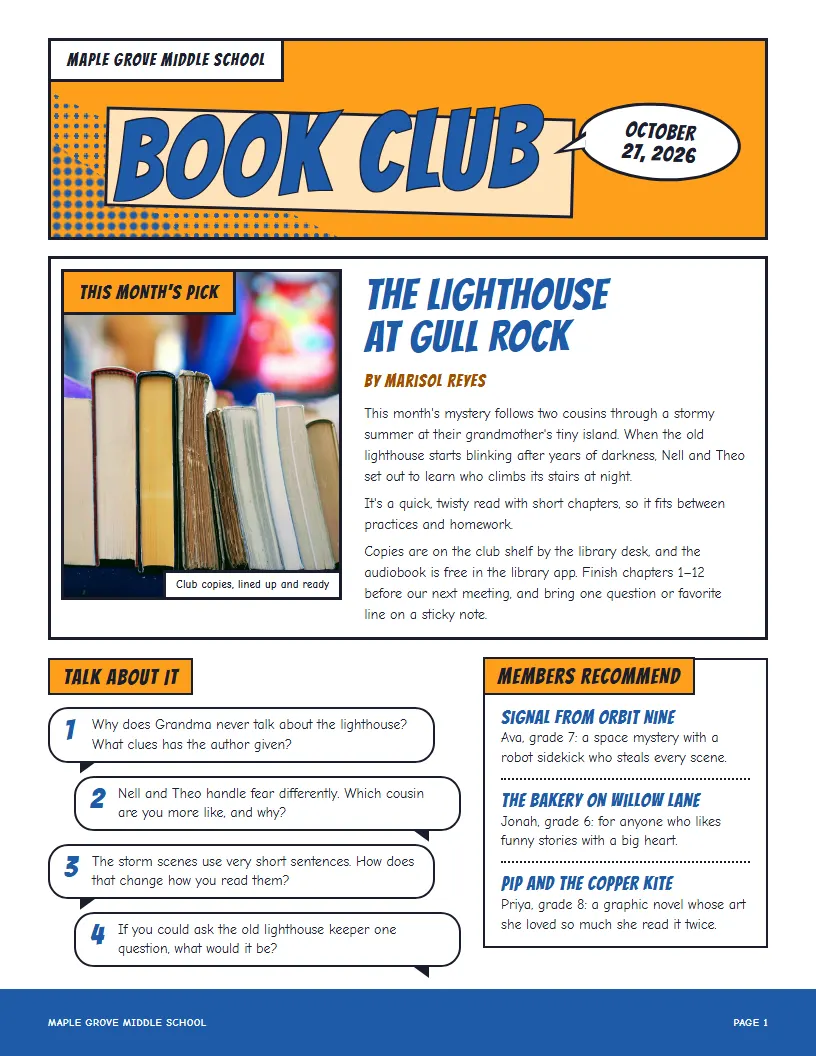
Book ClubGreat for clubs and activities
116 designs in all for classrooms, schools, districts, clubs and teams. See all templates →
Free for teachers.
Start free and stay free, with no card to enter. Upgrade only if you want more.
Free
$0 for teachers
No card, no time limit
- Every template, or your own design
- About 1 newsletter a month*
- Unlimited manual edits
- Free web page for every issue
- “Made with K12 Newsletter” on each issue
Basic
$5.99 / month
or $59.99 a year (2 months free)
- About 10 newsletters a month*
- About 10 flyers a month*
- All styles
- Unlimited saved formats
- Free web page for every issue
Coming soon
Pro
$9.99 / month
or $89.99 a year (3 months free)
- About 20 newsletters a month*
- About 25 flyers a month*
- All styles
- Unlimited saved formats
- Free web page for every issue
- Translation into 7 languages
- Need more? Top up anytime ($4.99)
Coming soon
District pricing available
For districts that want K12 Newsletter in every building. We meet with you first, then build the tools and analytics your district needs.
- Custom branding packages
- Full analytics
- District and building homepages
*Typical use. Each plan includes a monthly AI allowance for new drafts, edits, and translation; Usage in your account menu shows how much you've used. If you reach it, you can still edit, publish, and download everything, and new drafts start again when your plan renews. How the AI allowance works
Paid plans, once they open, are billed monthly or yearly. Cancel anytime and keep your plan until the end of the month or year you paid for. Cancellation and refund policy
Questions
Is it really free?
Yes. The Free plan is free for teachers, with no card to enter and no time limit: every template, using your own newsletter's design, unlimited manual edits, and a web page for every issue, plus enough AI each month for about one newsletter. Free issues say “Made with K12 Newsletter” at the bottom. Paid plans, coming soon, add more AI each month, translation, and (on Pro) the choice to remove that line.
Can I use the newsletter design I already have?
Yes. Upload a past issue as a PDF or picture. It reads the layout, fonts, colors, and sections, keeps your school's logo and name, and reuses that look for every new issue. Made it in Canva? Choose Share, then Download, pick PDF, and upload that. Or start from over 100 ready-made designs for classrooms, schools, districts, clubs, and teams.
How is this different from a Canva or Smore template?
A template gives you an empty layout to fill. K12 Newsletter does the filling: it turns your notes into finished paragraphs, places your photos, and fits everything to the page, so there's no dragging boxes or fixing spacing. You still get the final say on every word.
What do I give it each week?
Whatever you have. Upload a Word document or text file, or jot quick notes under each section (“picture day thurs, order code MAPLE26” is plenty). Add photos with a short description of each. If something important is missing, like a time or a place, it asks you instead of making it up.
What if I want to change something?
Click any text in the finished newsletter and type, or ask for a change in plain words, such as “make the dates box run the full length of the page” or “shorten the reminders”. It remembers your recent requests, so “a bit more” works. You can crop and resize photos, and undo any change.
What happens if I have too much, or too little, to say?
The layout adapts: text wraps around boxes, sidebars stretch to fill a column, and long issues continue cleanly onto another page. If an issue comes out short, it suggests real additions, like a photo for a section or another student spotlight, instead of padding it with filler.
How do families get it?
Publish it to its own web page for free and send families the link: it reads well on phones, and only people with the link can find it. Or download a print-ready PDF, or an HTML version, and share it the way you already do: email, your class app, your website, or paper in backpacks.
How does the AI allowance work?
Each plan includes a monthly AI allowance: enough for about 1 newsletter a month on Free, about 10 newsletters and 10 flyers on Basic, and about 20 newsletters and 25 flyers on Pro, with plenty of edits. New drafts use the most; asking for changes uses a little, and typing your own edits uses none. Usage in your account menu shows how much you've used, and you'll see a note at 70% and 90%. If you reach it, you can still edit (by typing or by asking), publish, and download everything; new drafts, flyers, scans, and translations start again when your allowance resets each month, on the day your plan renews. Need more sooner? Basic can upgrade to Pro (you pay the difference for the rest of the month), and Pro can add a top-up for $4.99, which adds another full month's allowance until it resets.
Can families read it in their own language?
Yes, on the Pro plan: translate a finished issue into Spanish, Portuguese, French, Haitian Creole, Vietnamese, Tagalog, or Somali. You get a copy in that language with the same design, photos, names, dates, and links, ready to download or publish. It's translated by AI, so have a fluent speaker read it before it goes out.
Is my information private? What about student photos?
Your newsletters, notes, and photos are visible only to your account, unless you publish a newsletter to the web (then anyone with its link can see that one). Photos you add are never sent to the AI; it works from your descriptions of them. You're responsible for having permission to publish student photos and names under your school's policy.
Can I cancel anytime?
Yes. Cancel from your account settings or by emailing support@k12newsletter.com, with no fees. You keep your plan until the end of the month or year you paid for, and you aren't charged again. Refund requests go to the same address; the cancellation and refund policy has the details.
Does my school or district need to sign up?
No. It's built for individual teachers, principals, and PTA volunteers, and you sign in with Google or your email. Districts and schools that want it in every building can contact us about district pricing.